
1) Visit the password reset page
2) Enter your email address and click “Get New Password”

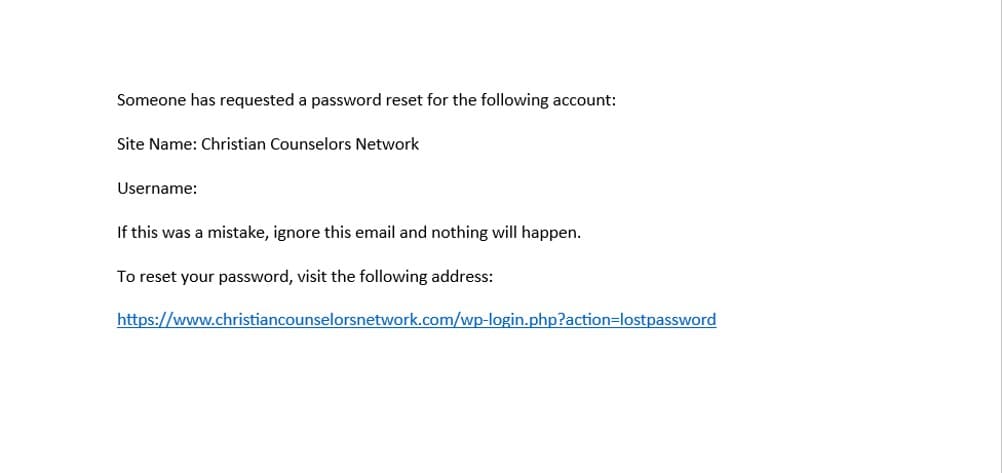
3) An email will be sent to your inbox
4) Open the email and click the password reset link
5) This will take you to a screen to create a new password
6) Enter a new password, then click “Reset Password”

7) Once your password is reset, navigate to the login page

8) Enter your email address and new password, then click “Log In”

9) Once you log in, you will be taken to the Edit Profile page. [Alternatively, you can get to the Edit Profile page with the top menu (My Account > Edit Profile), or by clicking here]
10) Review your account information to confirm everything is correct and up-to-date.

11) Once everything has been reviewed, click “Submit” to save your changes.
12) You are finished! Thank you for updating your profile, and please call us at 719-533-6718 or send us an email at CounselingDepartment@fotf.org if we can answer any questions you may have.